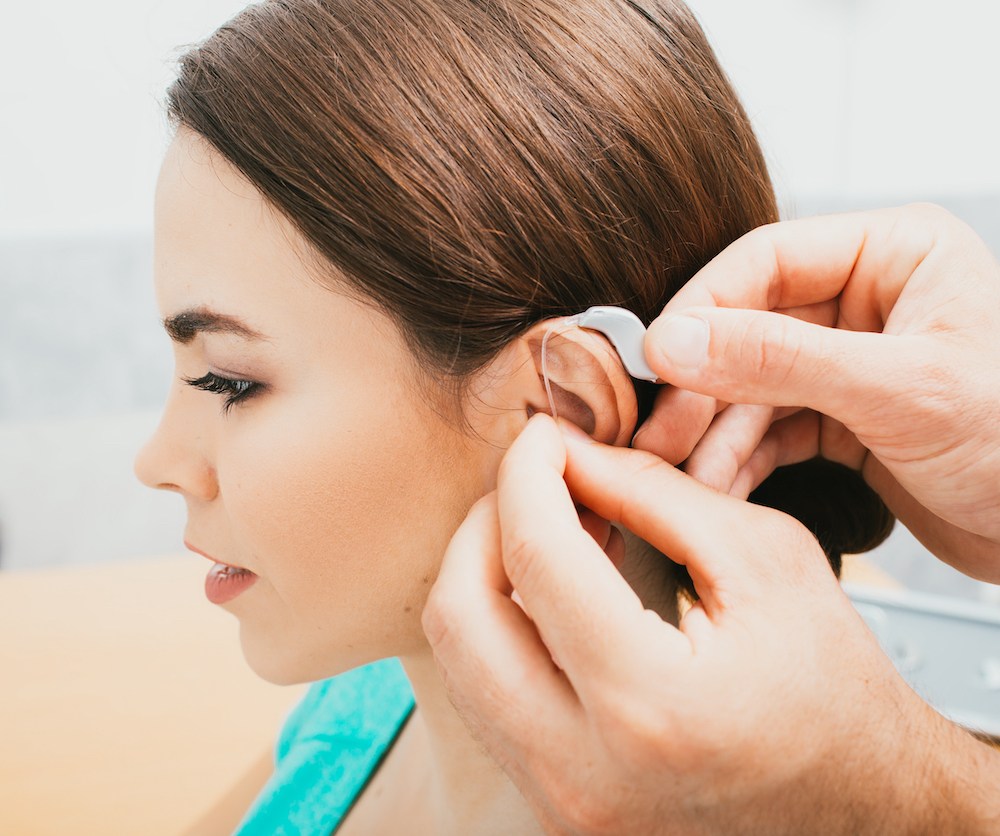
Hearing aids become a regular part of your day, so you tend to notice when something about them changes. The sound may seem different, an unfamiliar noise might appear or a device may not work as consistently as usual.

These issues are common during regular hearing aid use, and many have a specific reason behind them. Common hearing aid problems and their solutions are often easier to handle once you know what to look for.

How Hearing Aids Should Work

Once your hearing aids are fitted and programmed, they should work consistently throughout the day. Sounds should come through without unexpected interruptions, sudden changes in volume or noises created by the devices themselves.

Your hearing aids should also respond when you change the volume or select another program. If you use wireless features, streamed audio should play through the devices without repeatedly disconnecting.

Battery performance should also follow the usual pattern for your hearing aids, whether you charge them or replace the batteries. Becoming familiar with how your devices normally work makes a change in their performance easier to recognize.

Reasons Hearing Aids Sound Too Quiet or Too Loud

Small changes in your ear or the device itself can alter the amount of sound reaching you. The cause may be something you can spot during a quick check or something that needs an audiologist’s attention.

Possible reasons include:

    • Earwax covering the receiver or blocking part of the ear canal.
    • A wax guard, dome or microphone opening clogged with debris.
    • An earmold or dome that has moved out of its usual position.
    • Moisture interfering with the hearing aid’s internal components.
    • An accidental volume adjustment made while handling the device.
    • A different listening program being selected without you realizing it.
    • A change in your hearing since the devices were last programmed.

How to Stop Whistling and Feedback from Hearing Aids

A damaged earmold or hardened tubing can cause a similar problem. Feedback may also occur when a hat, hand or phone sits close to the microphone and reflects sound toward it.

If the whistling continues after those items are moved away, your audiologist can inspect the tubing and other physical parts for wear or damage.

Easing Discomfort, Soreness or Itching from Hearing Aids

After several hours of wear, you might notice a tender spot where an earmold or dome presses against your ear.

Itching can have a different source, including dry skin, trapped moisture or sensitivity to a material touching the ear. A device that moves when you talk or chew may also rub against the same area throughout the day.

Taking a short break gives irritated skin time to settle, but recurring soreness or itching should be checked by an audiologist. They can examine the area and adjust the part of the hearing aid that’s causing the irritation.

Solving Battery Life and Power Problems with Hearing Aids

A hearing aid that shuts off earlier than expected may not have charged fully overnight. With rechargeable models, make sure the device sits securely in the charger and the charging light appears.

For disposable batteries, check that the battery door closes completely and the contacts inside aren’t dirty or bent.

Longer periods of Bluetooth streaming also use additional battery power. When unexpected shutdowns keep happening, an audiologist can test the hearing aid, battery and charger to find the source.

Signs That Home Fixes for Hearing Aids Are Not Enough

Some hearing aid problems continue after you’ve cleaned the device, checked the power and made basic adjustments. When the same problem keeps returning, the hearing aid may need to be checked by an audiologist.

Signs include:

    • Sound cuts out repeatedly during the day.
    • Your hearing aid won’t turn on after charging or replacing the battery.
    • Speech and other sounds come through with crackling or distortion.
    • Buttons or controls stop responding.
    • The battery begins running out much sooner than usual.
    • The casing, tubing or another part of the device is cracked or loose.
    • Bluetooth connections keep dropping after the devices have been reconnected.

Working with an Audiologist to Reduce Future Problems

Changes in those measurements may point to a receiver, microphone or another component that isn’t performing as expected. Tubing, receiver wires and other replaceable parts can also wear gradually, even when they still look fine from the outside.

Your audiologist can also review previous repairs to see whether the same problem has happened before. Regular appointments keep these checks separate from the cleaning and basic maintenance you already handle at home.

Finding the Right Solution for Your Hearing Aids

Hearing aids need some upkeep as you wear them day after day. Small changes in how they sound or function are often easier to address when they first appear.

Some problems are simple to handle at home, while others need an audiologist’s attention. You don’t have to wait until a hearing aid stops working to have it checked.

Regular visits leave room for adjustments, repairs and questions about your devices. If you have noticed problems with your hearing aids or need them checked, schedule an appointment with an audiologist.